Search & Display Modes
Each dictionary offers four reading/search interfaces, shown as B L A M on the front
page. They share the same underlying entries but differ in how you find and view them.
The screenshots below are the Monier-Williams (MW) interfaces.
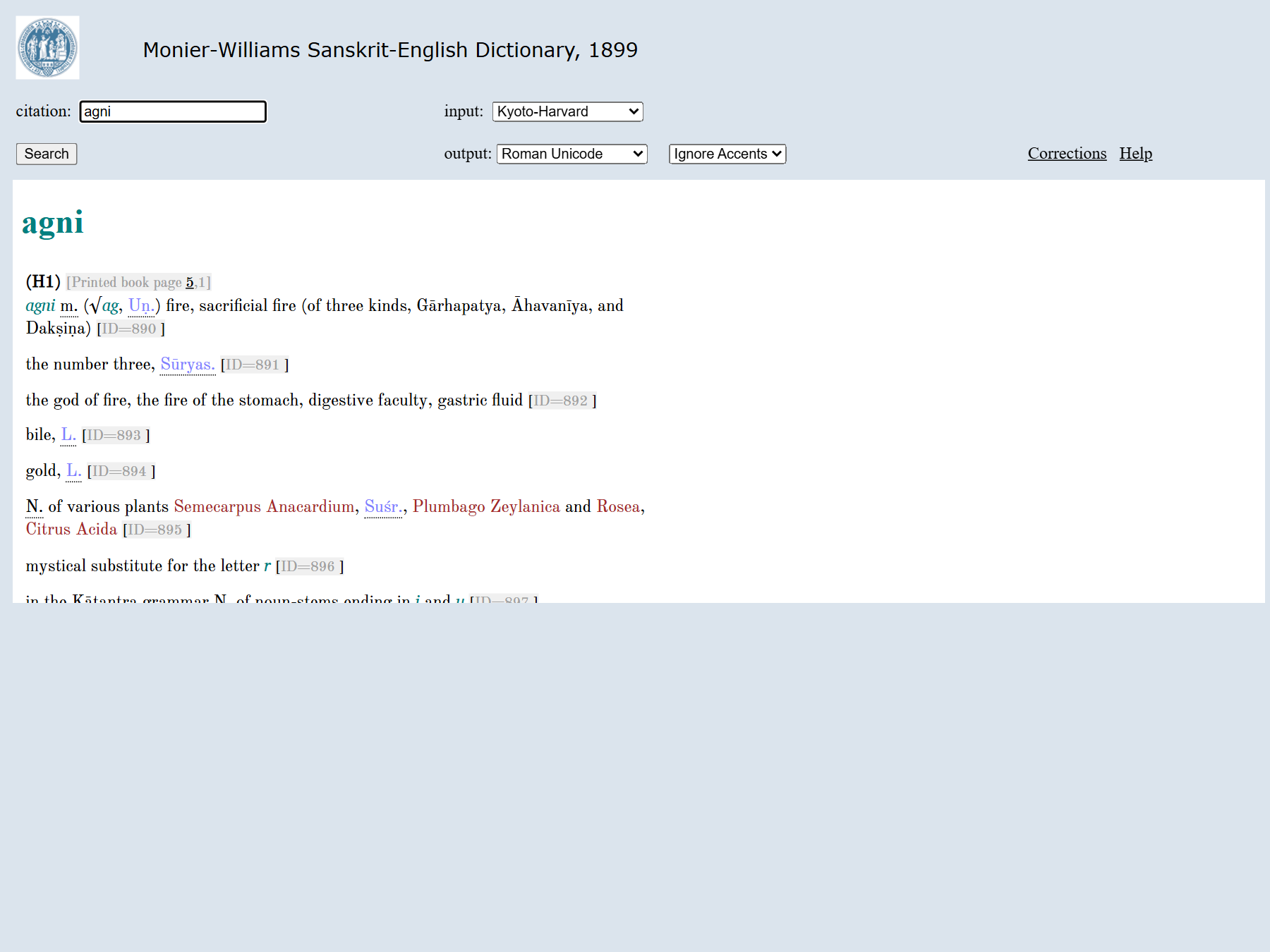
Basic display (B)
Single-headword lookup with a clean reading view. Best when you already know the word. Input accepts multiple transliteration schemes (see Encoding & Transliteration); the entry is rendered with:
- the headword,
- the body text (definitions, glosses),
- live cross-references where the markup supports them (literary-source citations, lexical and grammatical tags).
List display (L)
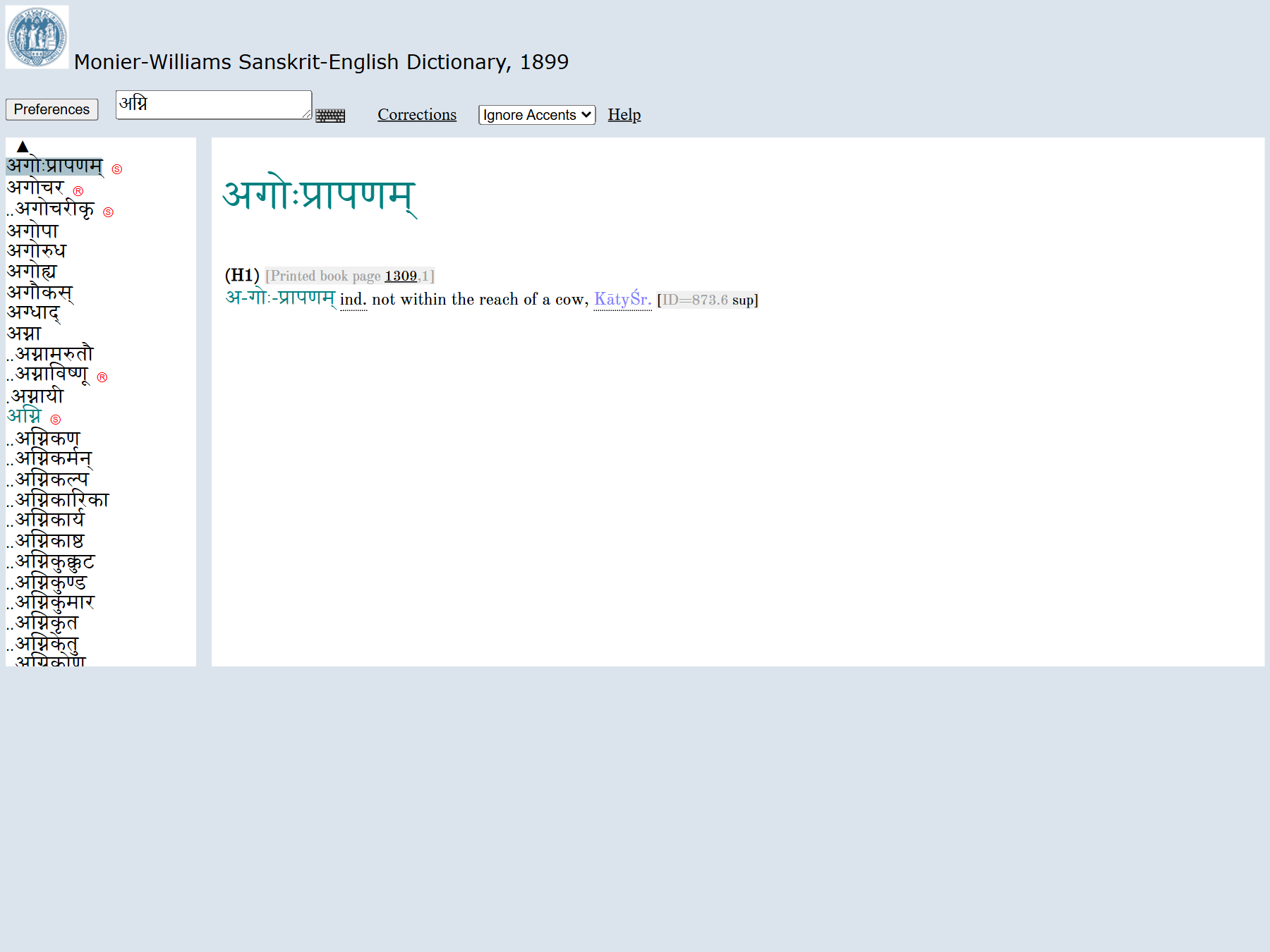
Browse headwords as a navigable list. Useful for:
- confirming the exact spelling/sandhi of a headword,
- scanning neighbours alphabetically,
- jumping into the Basic view for any entry.
The two-pane layout shows the headword index on the left and the selected entry on the right; type a word in the box to populate both.
Advanced search (A)
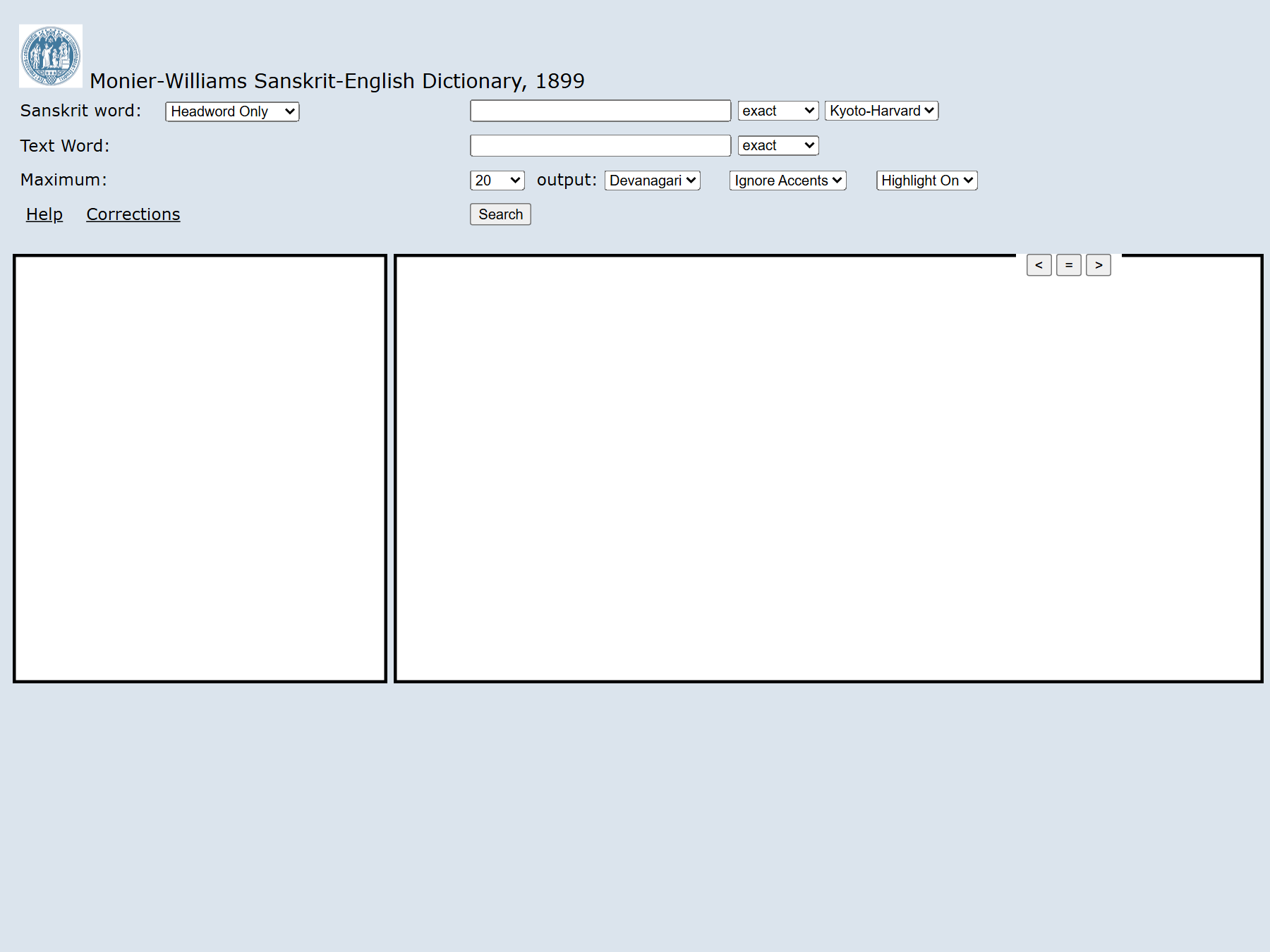
Search within entry bodies, not just headwords. Typical capabilities:
- full-text search across the entry body,
- pattern/wildcard matching,
- filtering by markup (e.g. entries citing a particular source).
The API exposes these match modes (query_type), which mirror what Advanced search can
do: term, fuzzy, match, match_phrase, prefix, wildcard, regexp — and these
searchable fields: headword_slp1, sense, re_headwords_slp1, xml, id. See the
API page. The live Advanced URL is
/scans/{CODE}Scan/2020/web/webtc2/index.php.
Mobile display (M)
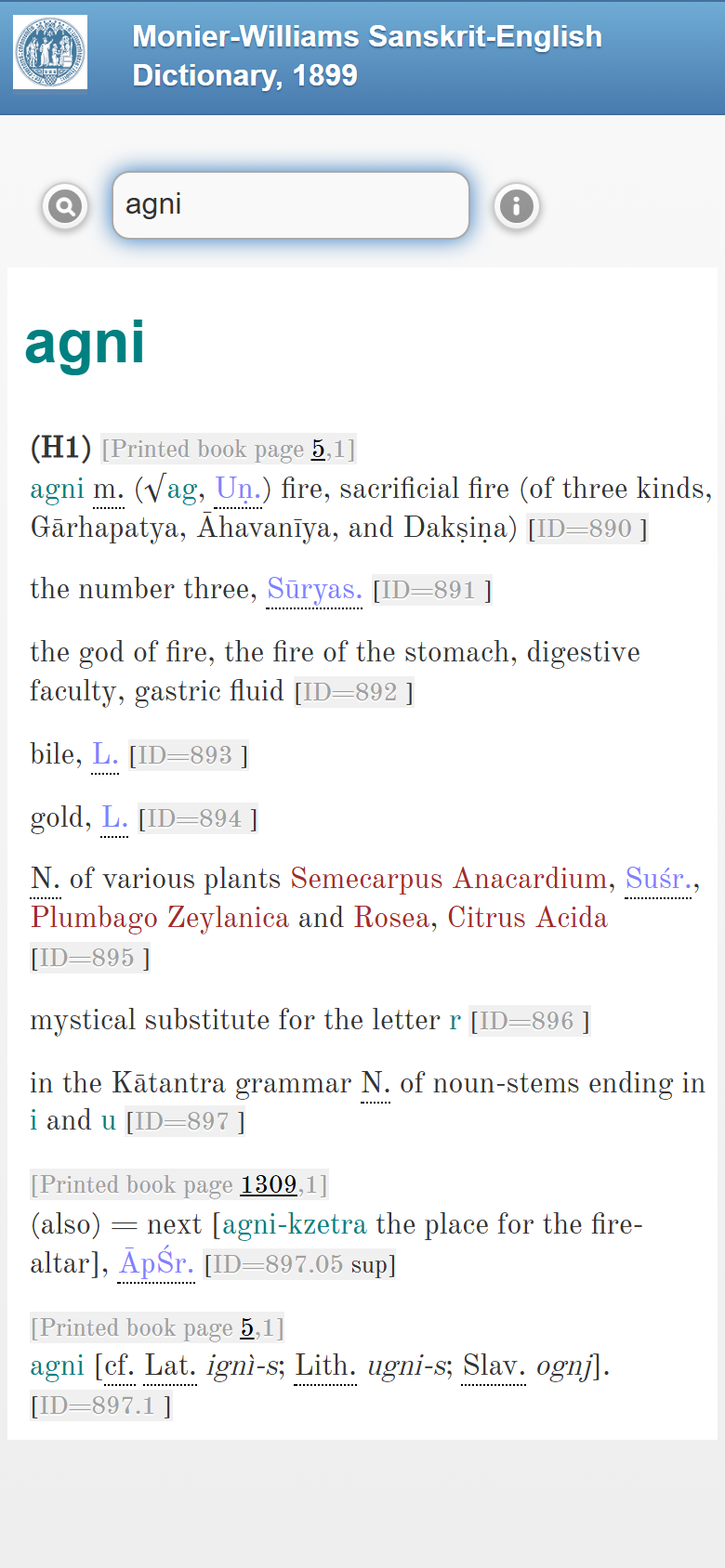
A responsive layout of the same content for phones and tablets.
Result rendering and cross-links
Entries are generated from XML markup. Tags that drive linking and display include (see Data Formats for the full list):
| Tag | Meaning |
|---|---|
<ls> | Literary source / citation — often a click-through to scanned pages |
<lex> | Lexical/grammatical category |
<ab> | Abbreviation |
When a <ls> reference has been linked (a "Dictionary to Book" task), clicking it opens
the cited scanned page. See Contributing → Issue Taxonomy
for how those links are built.
The same word across dictionaries
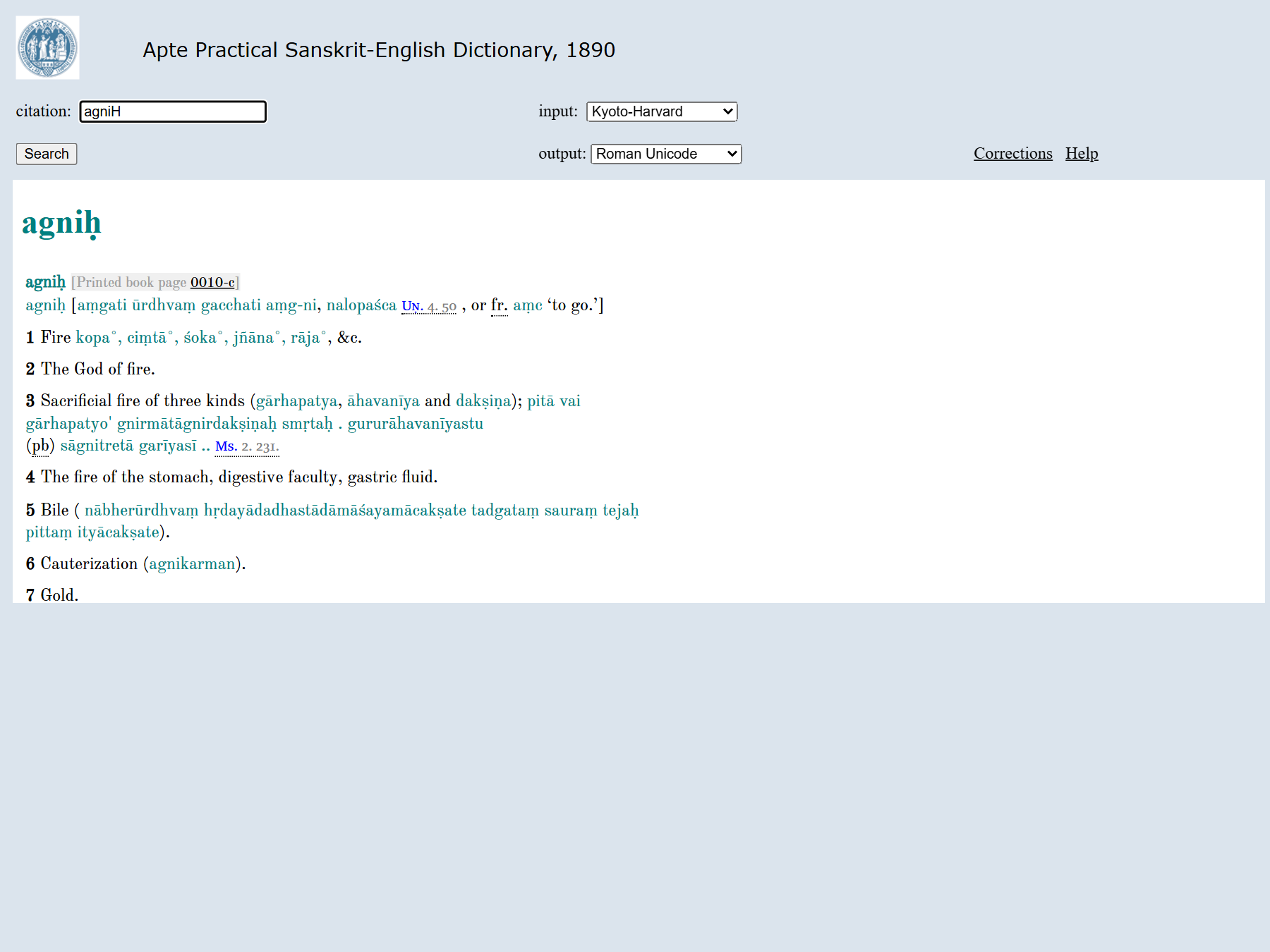
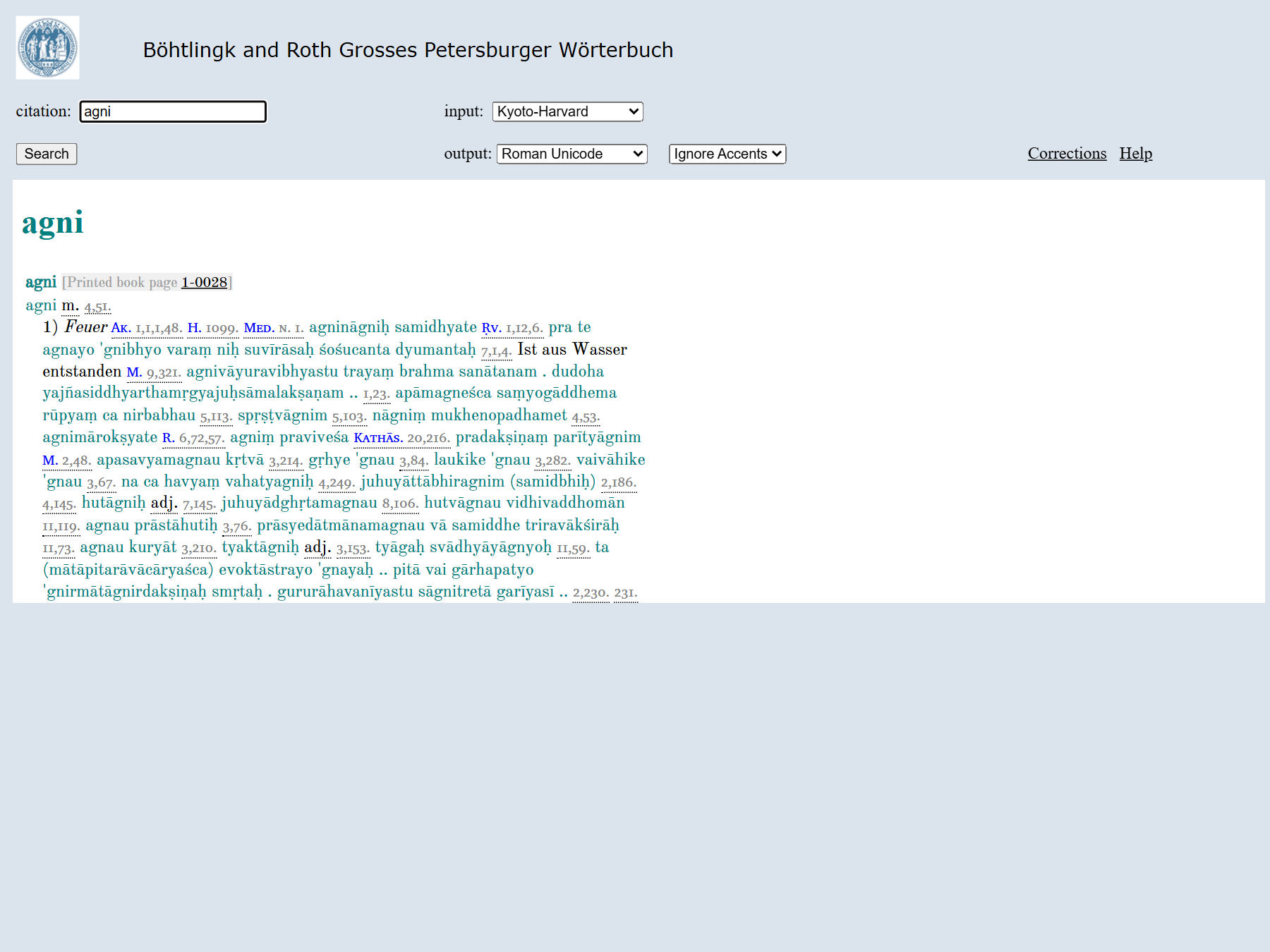
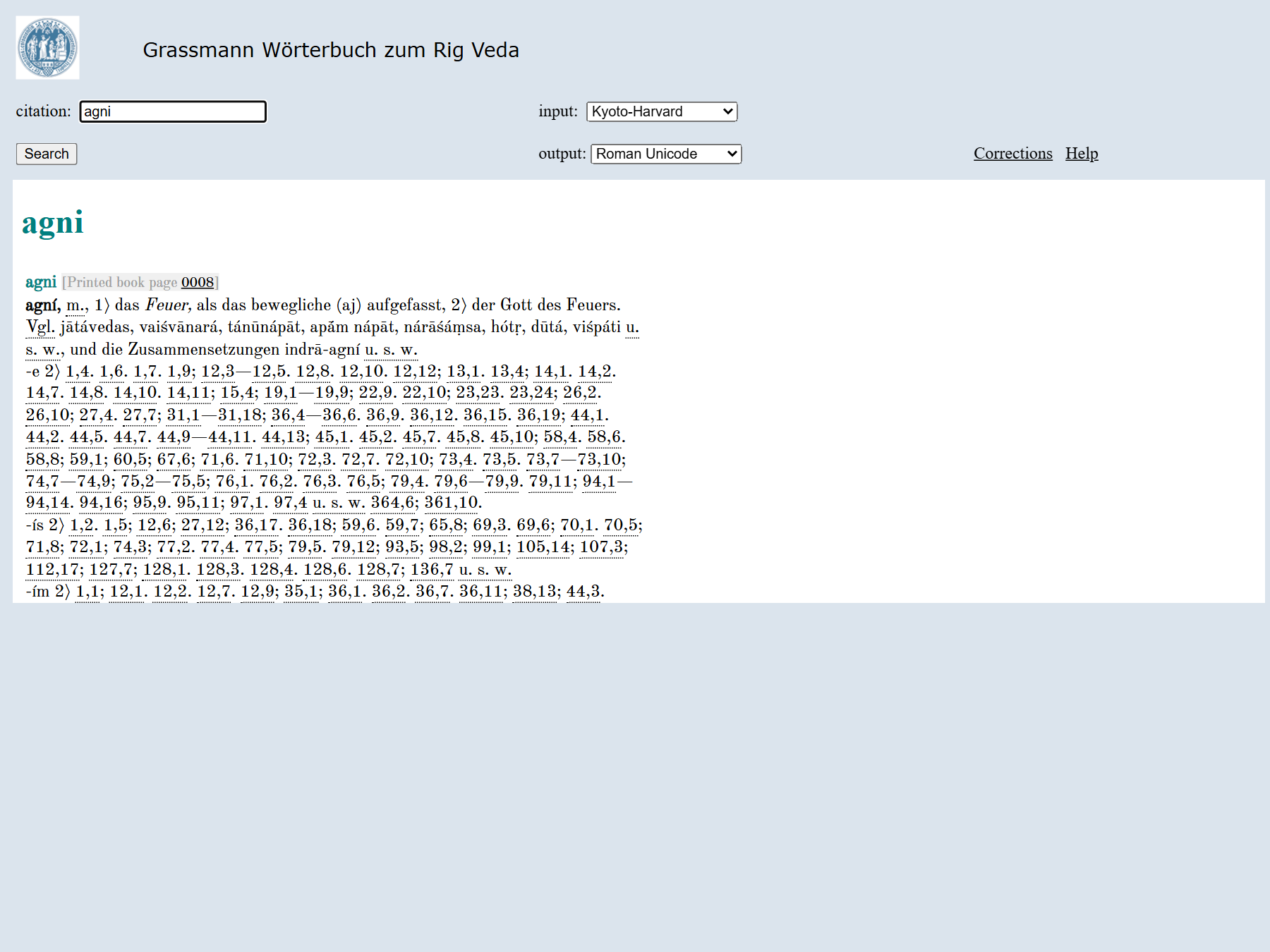
Every dictionary shares the same lookup interface, so you can read one headword through several lenses. Here is agni ("fire") in the Basic display of three dictionaries — notice how the language, depth, and citation style differ:
Apte (AP90) — Sanskrit→English
Böhtlingk-Roth (PWG) — Sanskrit→German
Grassmann (GRA) — Rig-Veda, Sanskrit→German
To pull a single word from many dictionaries at once instead of opening each separately, see the experimental Multi-Dictionary display.